

Choosing a new computer involves more than selecting the fastest processor or most expensive graphics card.
A good computer should suit the work you plan to do. It should also use compatible parts, provide reasonable upgrade options and include clear support after purchase.
People comparing pc builders Sydney often want help with several decisions. They may need to choose between a custom desktop, a pre build PC or a compact mini PC. They may also need advice about gaming, business software, creative work or general home use.
The right builder should explain these choices in plain English. A detailed quote should show what is included, why each part was selected and how the complete system supports your needs.
Separate gaming, work and general home use
Begin with the programs and tasks you expect the computer to handle.
A general home computer may be used for web browsing, email, video calls and office applications. These tasks usually do not require a high-end graphics card.
Gaming places different demands on the system. The required graphics performance depends on the games, monitor resolution and preferred visual settings.
Creative and professional work may need more processor cores, memory or storage. Video editing, engineering software, development tools and large design files can place sustained pressure on the system.
Tell the builder which programs you use most often. Include any games, editing software, business platforms or specialised applications.
This information gives the builder a clearer basis for selecting computer parts.
Plan for future software and upgrades
Your current workload should guide the build, but future needs also matter.
You may add a higher-resolution monitor, install larger applications or work with bigger files later. Gaming requirements can also change as new titles become more demanding.
A system with no spare capacity may need upgrades sooner than expected.
However, buying the most expensive components is not always sensible. Extra performance offers little value when the software cannot use it.
Ask the builder which parts can be upgraded later. Memory and storage are often easier to expand than the processor or motherboard.
Windows compatibility also deserves attention. Microsoft ended standard Windows 10 support on 14 October 2025. Unsupported systems still operate, but they no longer receive normal Windows 10 security fixes unless eligible users enrol in the temporary Extended Security Updates program.
A new build should support a current operating system and its hardware requirements.
Build a Balanced Component List
A balanced system avoids placing too much of the budget into one component.
A powerful graphics card may not reach its potential when paired with a processor that cannot keep up. The reverse can also happen when a premium processor is paired with graphics hardware that limits gaming or rendering performance.
The correct balance depends on the workload.
Gaming systems usually need strong graphics performance. Some competitive games also rely heavily on the processor, especially at lower resolutions and high frame rates.
Workstations may prioritise processor cores, memory capacity or specialised graphics support.
Ask the builder to explain why the chosen processor and graphics card suit your software. Avoid relying only on labels such as entry-level, gaming or professional.
Exact model numbers provide more useful information than broad product names.
Choose suitable memory and storage
Memory affects how many programs and files the computer can handle at once.
Basic office use may require less RAM than video editing, large design projects or virtual machines. Modern games and background applications can also use a significant amount of memory.
Storage affects startup speed, application loading and file capacity.
A solid-state drive should provide space for the operating system, applications and active files. Large media libraries or backups may require an extra internal or external drive.
Ask whether the motherboard has spare memory slots and additional storage connections.
The quote should also identify the memory type, speed and arrangement. Two compatible memory modules may provide better performance than one module in systems that support dual-channel operation. When comparing computer parts Sydney suppliers, confirm the full model rather than the capacity alone.
Check Compatibility and Build Quality
Confirm every component works together
Computer components must meet several compatibility requirements.
The processor must use a socket supported by the motherboard. The board must also support the correct memory type and speed.
The case needs enough room for the motherboard, graphics card, power supply and cooling system.
Graphics cards vary in length, height and thickness. Large models may block other expansion slots or conflict with front-mounted cooling hardware.
The power supply must provide enough capacity and the required connectors. It should also come from a reputable manufacturer and meet suitable safety standards.
A professional builder should check these details before ordering or assembling the system.
Ask whether the quoted sydney computer parts may be substituted if stock changes. Any substitution should offer equal or better suitability, and the builder should request approval first.
Review cooling, airflow and cable management
Cooling helps the system maintain stable performance.
The processor and graphics card produce heat during demanding work. Case fans then move cooler air into the system and remove warm air.
Poor airflow can increase temperature and noise. It may also reduce performance when parts lower their operating speed to control heat.
A sensible build should provide clear intake and exhaust paths. Cables should not obstruct fans or rest against moving components.
Air cooling suits many gaming and office systems. Liquid cooling may suit selected high-performance processors, compact cases or buyers with specific noise and appearance preferences.
Liquid cooling is not automatically better. The decision should reflect the processor, case and expected workload.
Ask how the builder will test temperatures and system stability before delivery.
Compare Custom, Prebuilt and Mini PC Options
A custom desktop gives the buyer more control over the parts.
You can choose the processor, graphics card, storage, case and cooling system. This helps align the build with a specific workload or budget.
A pre build PC offers greater convenience. The system arrives assembled and may include the operating system, drivers and basic testing.
However, some prebuilt computers use proprietary cases, power supplies or motherboards. These parts can make repairs or upgrades more difficult.
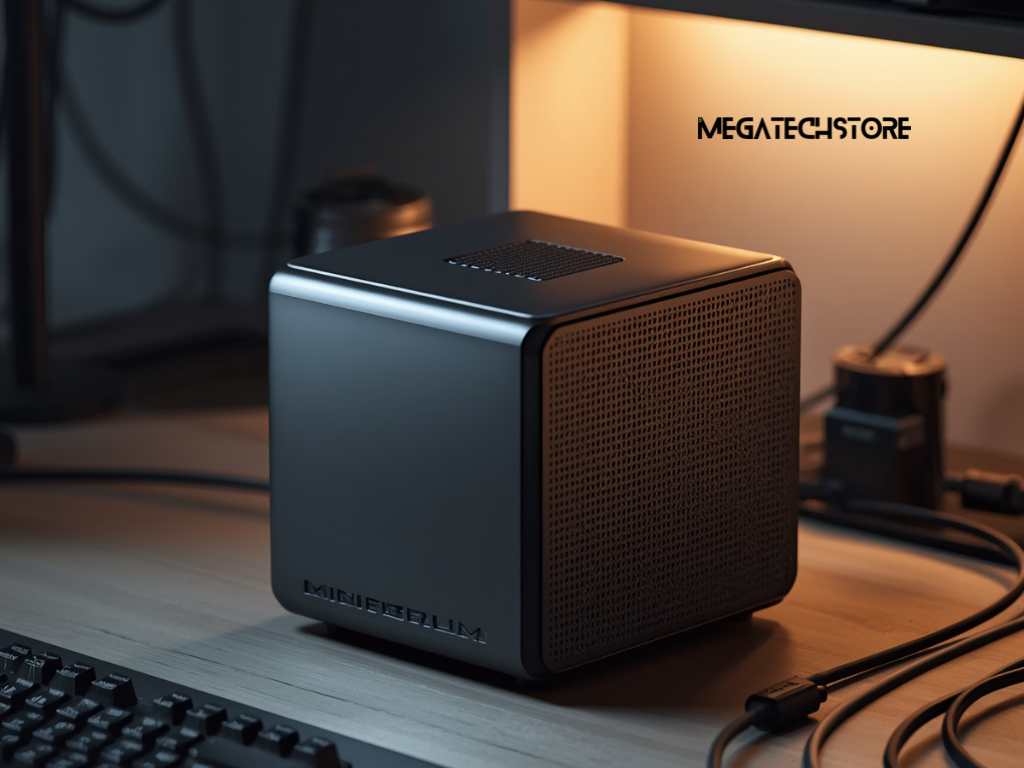
A mini PC offers a much smaller footprint. It may suit reception desks, home offices, media spaces and workstations with limited room.
Current mini PC designs cover everyday computing, business work, creative tasks and some gaming. Their smaller cases can limit cooling, dedicated graphics and internal upgrades compared with full desktop towers.
Consider repair and upgrade limits
Standard desktop components usually offer the greatest repair flexibility.
If a standard power supply or fan fails, the owner may have several compatible replacement choices.
Compact or proprietary systems can provide fewer options. A failed custom-shaped part may need to come from the original manufacturer.
Before buying, ask which components use standard formats.
Check whether the memory, storage, graphics card and power supply can be replaced. Also confirm whether opening the case affects the written warranty.
A mini PC may allow memory and storage upgrades while keeping the processor and graphics fixed. The exact options depend on the model.
Buyers should balance small size and convenience against future expansion.
Calculate the Complete Cost
Look beyond the advertised system price
The advertised computer price may not include everything needed.
The system may require an operating-system licence, Wi-Fi adapter, monitor, keyboard, mouse or speakers. Delivery and setup may also cost extra.
A custom quote should clearly identify assembly, testing and software installation.
Ask whether the builder installs operating-system updates, drivers and firmware. Also confirm whether the system arrives ready to use.
Some buyers already own accessories or a valid software licence. Others need a complete setup.
A clear quote prevents unexpected costs after the main purchase.
Compare value rather than specifications alone
Two computers with similar headline specifications may use parts of different quality.
One system may include a better power supply, motherboard or cooling setup. Another may offer a larger SSD but weaker airflow or limited upgrade options.
Brand and model details matter.
Compare the full parts list, warranty and support arrangements. Consider whether the builder offers local fault diagnosis and how quickly replacement parts may be available.
The cheapest system can become poor value if it needs early upgrades or has limited support.
Likewise, a premium system may include performance the buyer will never use.
The best value comes from parts that meet the real workload and provide a sensible path for future changes.
Choose the Right Sydney PC Builder
A professional quote should identify every major component.
It should list the processor, motherboard, graphics card, memory, storage, power supply, case and cooling system. It should also identify the operating system and included accessories.
Avoid quotes that use vague wording such as premium power supply or gaming motherboard without a model number.
Ask whether the system will undergo memory, storage, temperature and stability checks before delivery.
The builder should also explain the expected completion time. Parts availability can affect build schedules, so written updates are useful when delays occur.
A reliable tech store should answer questions without pressuring the buyer into more expensive components.
Check warranty and after-sales support
Ask how the builder handles faults.
Some problems may relate to an individual component. Others may involve assembly, software or compatibility.
The written terms should explain labour coverage, component warranties and any return process.
Confirm whether the whole computer returns to the builder or whether the buyer must contact each component manufacturer.
Australian Consumer Law provides automatic consumer guarantees. These rights exist in addition to voluntary manufacturer or retailer warranties and cannot be removed by store policies.
Keep the quote, invoice, serial numbers and written warranty terms.
Local support can be valuable when the system needs testing or repair. This is one reason many buyers compare Sydney providers instead of purchasing every part from separate online sellers.
When to Contact Mega Tech Store

Ask for help designing the right system
Contact Mega Tech Store when you need help turning your requirements into a clear parts list.
Explain whether the computer will be used for gaming, office work, editing, study or specialised software.
Provide the names of important applications and games. Also mention the monitor resolution, number of displays and storage needs.
Share a realistic budget that includes the operating system and accessories.
Mega Tech Store can then explain whether a custom desktop, pre build PC or mini PC may suit the intended use.
Ask for exact component models and a written explanation of the configuration.
Confirm stock, build time and ongoing support
Before ordering, confirm whether the quoted parts are currently available.
Ask how substitutions will be handled if a component becomes unavailable. The store should seek approval before changing an important part.
Confirm the expected build time, testing process and delivery or collection arrangements.
You should also ask who handles faults after purchase. Check whether Mega Tech Store provides local diagnosis, assembly support and warranty assistance.
The final quote should identify the complete system price and any extra charges.
Choosing the right PC builder is easier when the workload, parts, warranty and support arrangements are clear. A well-planned system should meet today’s needs while leaving reasonable room for future upgrades.
