

For Australians exploring compact computing solutions, Minix Australia offers an interesting starting point for comparing traditional mini PCs with newer AI-enabled systems. These small computers can support everyday office tasks, creative applications and selected AI workloads without requiring the space of a conventional desktop tower.
However, an AI processor does not automatically make a computer the best choice for every buyer.
Many people use computers primarily for web browsing, business applications, email and online meetings. Others need additional processing resources for software development, creative projects or local AI applications.
Understanding these differences can help buyers avoid spending more than necessary while choosing hardware that suits their needs.
This guide explains what AI mini PCs offer, when their capabilities are useful and how Australian customers can compare MINIX and MINISFORUM products.
Understanding What AI Mini PCs Actually Offer
Exploring AI-Enabled Computers Through Minix Australia
An AI mini PC combines conventional computing hardware with features designed to accelerate supported artificial intelligence tasks.
These systems typically use a central processing unit, or CPU, to manage general computing activities.
A graphics processing unit, or GPU, handles visual processing and can assist with demanding calculations.
Some AI-enabled processors also include a neural processing unit, commonly called an NPU.
An NPU is designed to perform certain AI calculations efficiently, provided the application supports the hardware.
Buyers exploring Minix Australia should understand that these components perform different functions.
A computer with an NPU may be suitable for particular AI features, but its overall performance still depends on the processor, memory, graphics capabilities and software being used.
The Difference Between Local and Cloud-Based AI
Not every AI application requires specialised computer hardware.
Many popular AI services operate through remote servers and can be accessed using a standard computer and an internet connection.
Local AI applications work differently because some or all of their processing occurs directly on the device.
Depending on the application, local processing may support speech recognition, image enhancement, video effects or smaller AI models.
An appropriately supported NPU can help with certain tasks, while other applications rely more heavily on CPU or GPU performance.
Users who primarily access cloud-based AI tools may find that a conventional mini PC already meets their needs.
The important consideration is whether the applications they use can benefit from additional local processing capabilities.
Deciding Whether Your Work Requires AI Hardware
Everyday Computing Needs for Australian Buyers
Many Australian households and small businesses rely on computers for ordinary productivity.
Common activities include preparing documents, managing spreadsheets, attending online meetings, accessing cloud storage and using web-based business systems.
These workloads do not generally require a powerful dedicated AI processor.
A conventional Minix system or another suitably configured compact computer may provide sufficient performance for routine tasks.
For Minix Australia buyers, identifying the applications used most frequently is more useful than starting with the most expensive specification.
Consider whether current software experiences slowdowns, whether additional applications will be introduced and how long the computer is expected to remain in service.
If standard productivity is the main priority, a reliable processor, adequate RAM and fast storage may matter more than advanced AI features.
When AI Processing Becomes a Practical Advantage
Dedicated AI hardware becomes more relevant when users work with compatible applications that can take advantage of it.
For example, certain software tools support local speech processing, background effects or AI-assisted image functions.
Developers experimenting with smaller local AI models may also benefit from suitable processing capabilities and sufficient memory.
Creative professionals might require additional graphics performance for design, editing or other demanding tasks.
However, buyers should not assume that every AI application performs best on an NPU.
Some workloads depend more heavily on a capable GPU, particularly when processing larger models.
The best approach is to review the software’s recommended specifications and understand which hardware components influence performance.
Comparing Processor Performance, Memory and Storage
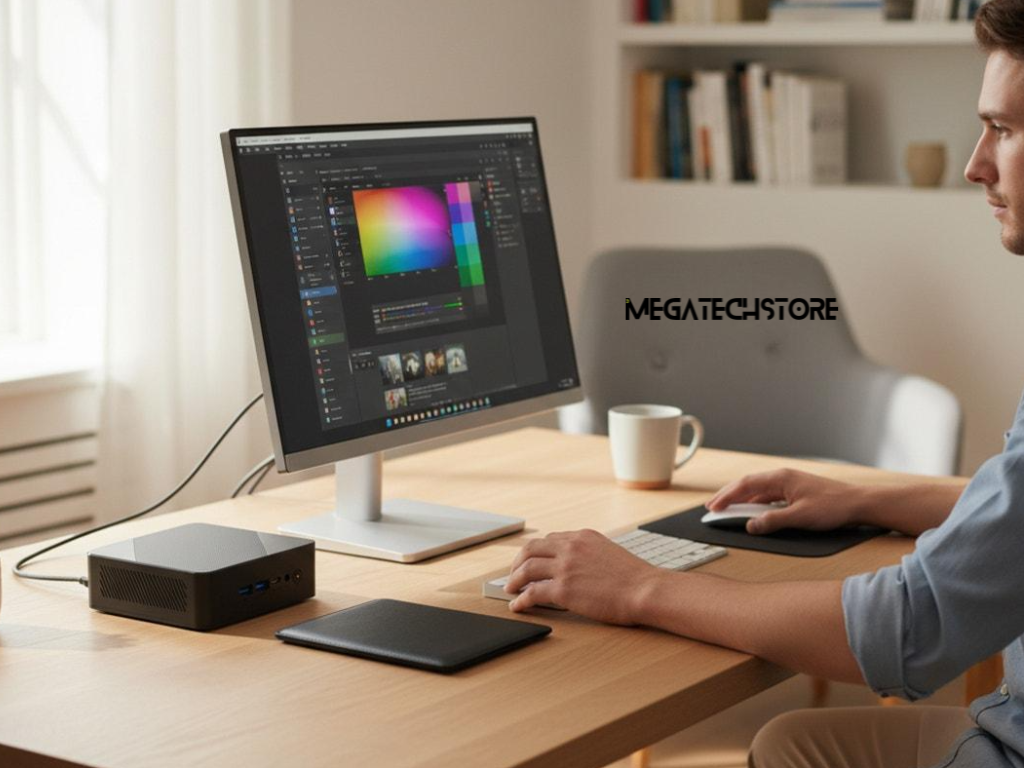
Understanding AMD Ryzen AI and Intel Core Ultra
Modern AI mini PCs are available with different processor technologies.
AMD Ryzen AI and Intel Core Ultra processors can include AI acceleration capabilities alongside conventional CPU and integrated graphics features.
However, the capabilities vary between models and processor generations.
A newer mid-range processor may provide different functionality from an older premium model, so comparing names alone is not enough.
When reviewing Minix Australia computers, buyers should examine the exact processor installed in each device.
One commonly advertised AI specification is TOPS, which refers to trillions of operations per second.
Although useful for describing certain theoretical processing capabilities, this figure does not represent the performance of every application.
Microsoft’s Copilot+ PC requirements, for example, include a compatible NPU capable of at least 40 TOPS.
Other hardware, operating system and feature requirements also apply.
Buyers should confirm compatibility rather than assuming every computer advertised as AI-enabled supports the same features.
Choosing Suitable RAM, SSD Capacity and Upgrades
Processor performance is only one part of the purchasing decision.
RAM affects how comfortably a computer can run multiple applications and handle memory-intensive tasks.
For many everyday users, 16GB may be adequate.
People running demanding creative applications, development environments or selected local AI models may benefit from 32GB or more.
The appropriate capacity depends on the software being used.
Storage requirements also vary.
A 512GB SSD may be sufficient for standard office applications, while larger drives can accommodate substantial media files, development projects and local AI model files.
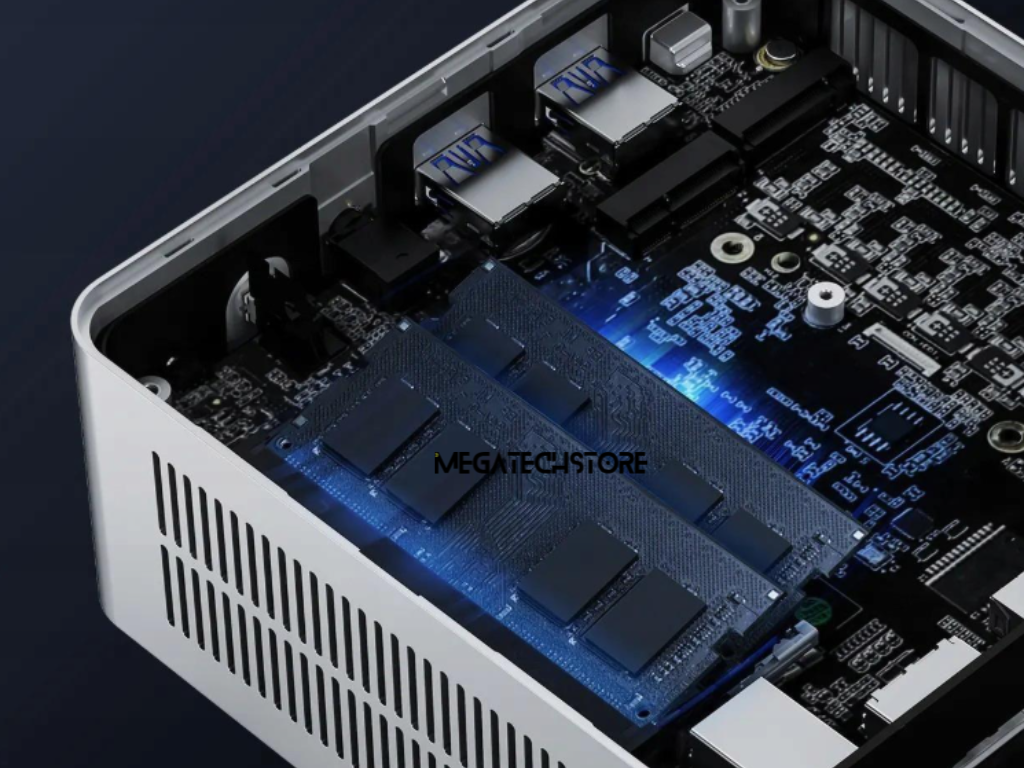
Buyers should investigate whether memory and storage can be expanded after purchase.
Some mini PCs have replaceable components, while others use fixed configurations.
Checking available slots, supported capacities and compatibility can make future upgrades easier.
Understanding the Differences Between MINIX and MINISFORUM
Comparing Compact Computers From Different Brands
MINIX and MINISFORUM are separate manufacturers offering various compact computing products.
Both have systems designed for different workloads, including general productivity and higher-performance computing.
However, specifications and intended use vary considerably between individual models.
When comparing a MINIX computer with a minisforum pc, buyers should examine processor performance, memory, cooling, connectivity and storage options.
A model with a stronger processor may be useful for demanding applications but unnecessary for ordinary office work.
People researching minisforum australia should also consider whether they need a desktop computer or more specialised technology.
Different product categories can serve very different purposes, even when their processors have similar capabilities.
For Minix Australia shoppers comparing minisforum alternatives, the most useful comparison is between specific models that meet the same operational requirements.
Is the MINISFORUM N5 Pro Suitable for Desktop Computing?
The minisforum N5 Pro illustrates why product purpose matters.
The N5 Pro is designed primarily as an AI-enabled network-attached storage system rather than an ordinary desktop mini PC.
It features an AMD Ryzen AI 9 HX PRO 370 processor, multiple storage drive bays and high-speed networking options.
These capabilities make it relevant to users researching centralised storage, network file management and related workloads.
Although the N5 Pro includes AI-capable hardware, it should not automatically be treated as an alternative to a compact office computer.
Someone seeking a system for spreadsheets, email and online meetings may prefer a conventional mini PC.
A business requiring shared storage infrastructure may have more reason to consider a NAS system.
Matching the device to its primary purpose helps avoid purchasing unsuitable equipment.
Finding a Suitable AI Mini PC in Australia
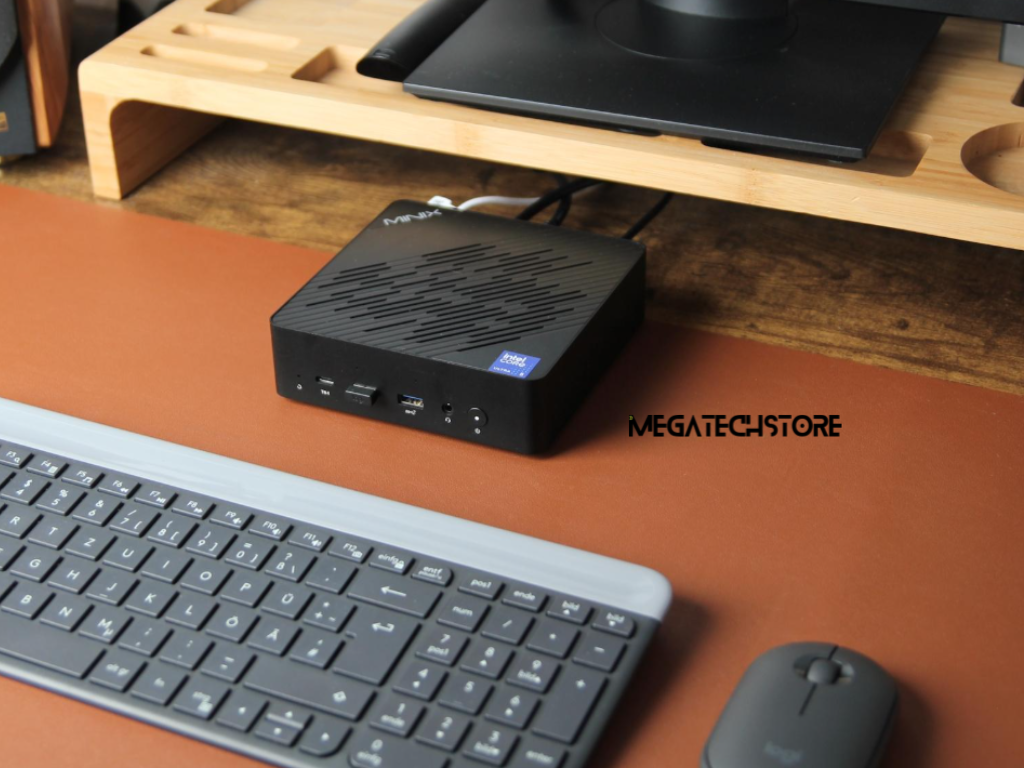
Comparing Available Minix Australia Models
Australian buyers can explore different MINIX configurations depending on their computing requirements.
The MINIX EU512-AI, for example, has been listed with an Intel Core Ultra 5 125H processor, 16GB RAM and a 512GB SSD.
This configuration is worth comparing for general productivity and applications that support its available hardware.
The MINIX ER937-AI features an AMD Ryzen AI 9 HX 370 processor and has been listed with 32GB RAM and a 1TB SSD.
It may be more relevant for users seeking additional processing capability and memory for demanding multitasking or compatible AI workloads.
Higher-performance products, including MINIX Elite workstation models, offer further options for specialised computing.
However, a more powerful specification does not necessarily make a computer more suitable for every buyer.
When comparing Minix Australia models, consider the software requirements, number of connected displays, networking options and expected workloads.
Specifications and available configurations should be verified against current product listings before purchase.
What to Check Before Purchasing From an Australian Store
Australian customers should consider the complete computer configuration rather than focusing only on processor performance.
Check whether the advertised product includes RAM, storage and an operating system.
Some compact computers are sold in different configurations, and additional components may be required.
Connectivity is another important consideration.
Review the available USB ports, display connections, Ethernet capabilities and wireless networking support.
If upgrading the system later is important, investigate which mini pc parts are compatible with the chosen model.
Buyers should also review warranty terms, technical support, delivery arrangements and their rights under Australian Consumer Law.
MegatechStore provides Australian customers with MINIX computing products and published product specifications that can assist with comparisons.
Reviewing these details before purchasing helps buyers understand what is included and whether the system suits their requirements.
Understanding When AI Mini PCs Offer Good Value
When an AI-Enabled MINIX Computer Makes Sense
The additional cost of AI hardware may be worthwhile when its capabilities provide a practical benefit.
For example, developers running compatible local AI applications may value a system with suitable acceleration hardware and additional memory.
Creative professionals may benefit from a compact workstation equipped for demanding software.
Businesses preparing to introduce specific AI-enabled applications may also consider hardware compatibility during planned computer upgrades.
However, Minix Australia buyers should avoid treating AI branding as a guarantee of better performance.
An application must support the available hardware for specialised features to provide their intended benefit.
It is also important to consider whether a computer offers sufficient connectivity, memory and storage for its expected lifespan.
A balanced assessment considers the complete system rather than one advertised specification.
Why a Conventional Mini PC May Be Better Value
Standard mini PCs remain practical options for many users.
A home-office worker who primarily uses email, web browsers and common productivity applications may not benefit significantly from dedicated AI acceleration.
Similarly, businesses relying on cloud-based software may find that a conventional compact computer provides adequate performance.
A lower-cost system can be a sensible purchase when it meets the user’s requirements without unnecessary hardware.
Buyers should also consider whether their preferred software is expected to change.
Planning for reasonable future needs is useful, but purchasing the most expensive hardware available is not automatically the best strategy.
The goal is to find a system that provides dependable performance for the tasks it will actually perform.
Making the Right Mini PC Purchase Decision
Reviewing Software Compatibility Before Upgrading
Before investing in a new computer, buyers should list their essential applications and confirm the hardware required to run them.
This includes checking supported operating systems, processor requirements, available memory and graphics capabilities.
For AI applications, it is also important to confirm whether the software uses cloud processing, an NPU, a GPU or a combination of these resources.
Some software features depend on specific processor generations or hardware configurations.
People researching Minix Australia should therefore avoid assuming that every AI mini PC supports identical features.
It may also be useful to consider expected software updates and whether the device can accommodate additional storage or memory.
A computer that fits existing requirements while allowing reasonable flexibility may offer better long-term value.
Choosing a Computer That Matches Your Actual Needs
The decision between an AI mini PC and a conventional model should begin with the work the computer needs to perform.
For everyday administration, browsing and standard business applications, a compact computer with suitable specifications may be enough.
For supported AI processing, demanding creative software or specialised development tasks, more advanced hardware may be justified.
Australian buyers comparing MINIX and MINISFORUM products should also consider whether they need a desktop system, a compact workstation or a storage-focused device.
MegatechStore offers MINIX products that customers can compare according to processor, memory, storage and connectivity.
Visit MegatechStore to explore its computing range and review available models.
Ultimately, the value of an AI mini PC depends on the requirements of the person using it. The most suitable computer is the one that balances performance, compatibility, reliability and cost without adding unnecessary complexity.
