

Choosing the right minisforum pc starts with understanding what you actually need the computer to do. Minisforum now offers compact systems for everyday productivity, creative work, gaming, local AI, storage and professional workstation use. The range is broad enough that two models can look similar on the outside while being designed for very different workloads.
For Australian buyers, that makes specification comparison particularly important. Instead of choosing a mini pc based only on processor name or memory capacity, it is worth looking at graphics capability, storage expansion, networking, display support, upgradeability and whether the system is sold as a barebone unit or a ready-to-use configuration. Minisforum Australia currently separates its range across mini PCs, workstations, NAS products and other specialised systems, reflecting how varied the category has become.
The best minisforum pc is not necessarily the model with the highest specification. It is the one that matches the applications and workloads you use regularly.
Someone working mainly with email, browser-based applications and office software has very different requirements from a developer running local AI, a designer working with large creative files or a user building a network-attached storage system.
Which minisforum pc suits everyday work and home use?
For everyday productivity, a minisforum pc does not necessarily need workstation-class hardware.
General office work, video calls, web browsing, streaming and document editing can often run comfortably on a mid-range system with enough memory and SSD storage. In this type of use, quiet operation, compact size, multiple monitor support and reliable networking can matter more than maximum AI or graphics performance.
The compact design of a mini pc also makes it practical for desks where space is limited. For home offices and small business environments, this can be one of the main reasons to choose a Minisforum system instead of a traditional desktop tower.
How to match a minisforum pc to your workload
Before comparing individual models, identify the most demanding application you expect to use regularly.
If your minisforum pc will handle creative software, virtual machines, local AI or heavier multitasking, processor performance and memory capacity become more important. If you work with large project files, storage capacity and additional M.2 slots may matter just as much.
Connectivity also deserves attention. USB4, OCuLink, fast Ethernet, Wi-Fi 7 and multiple display outputs are available on selected current Minisforum systems, but not every model offers the same combination.
Choosing a Model for Office and Business Tasks
A minisforum pc can be a practical business computer when its specifications match the software and multitasking demands of the workplace.
Compact systems can reduce desk clutter while still supporting multiple monitors, wired networking and standard business peripherals.
What to look for in a minisforum pc for business
For everyday business use, look at processor performance, RAM capacity, storage, display outputs and network connectivity before focusing on specialist features.
A minisforum pc used for accounting software, customer relationship management, browser-based tools, Microsoft 365 or similar applications may benefit more from adequate RAM and reliable SSD storage than from a high-end AI processor.
Businesses using several monitors should also confirm how many displays the exact model supports and which ports are required. Some newer Minisforum systems support HDMI, DisplayPort and USB4 display connections, making them suitable for more complex desk setups.
When a minisforum pc can replace a full-size desktop
A minisforum pc can replace a conventional desktop for many workloads when a discrete graphics card or extensive internal expansion is not required.
The main advantage is physical size. A compact system can sit on a desk or behind a monitor while still providing desktop-class processors, NVMe storage and high-speed connectivity.
However, traditional desktops retain an advantage when future component replacement is a major priority. A tower usually provides more space for graphics cards, additional drives, cooling systems and interchangeable mini pc parts or standard desktop components.
The decision therefore comes down to whether compactness and integration are more valuable than maximum upgrade flexibility.
Finding the Right Option for Creative Work
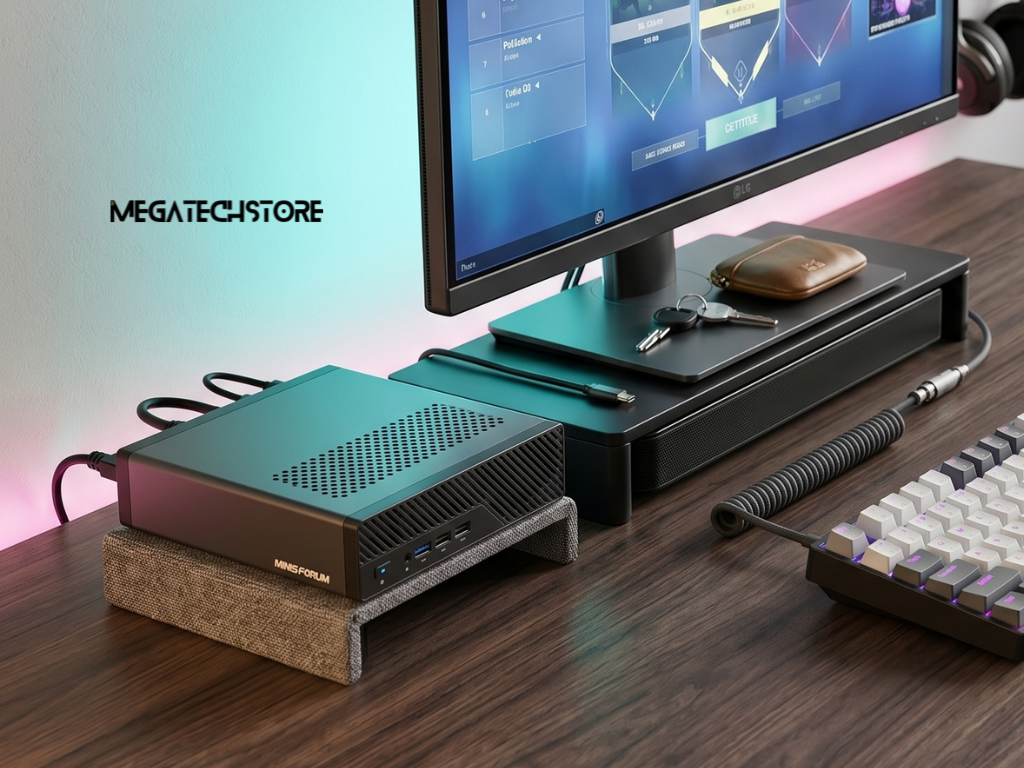
Minisforum PCs are available for everything from everyday productivity to AI and professional workloads.Creative professionals often need more from a minisforum pc than basic office users because photo editing, video production, design work and content creation can place heavier demands on processors, graphics and storage.
For these users, looking only at CPU specifications can result in an incomplete comparison.
Which minisforum pc features matter for creators?
A minisforum pc for creative work should have enough RAM for large project files and sufficient SSD capacity for applications, media and scratch storage.
High-speed connections such as USB4 can also be useful for external storage, docks and displays. The current MINISFORUM AI X1 Pro-470, for example, includes dual USB4 ports, HDMI, DisplayPort and three M.2 NVMe storage slots, with Minisforum listing total supported storage of up to 12TB across those slots.
Those features may be more useful to a creator than choosing a system based solely on benchmark figures.
When a minisforum pc needs more graphics performance
Integrated graphics have improved significantly, but they are not suitable for every workload.
A minisforum pc with modern Radeon integrated graphics may handle general photo work, video playback, lighter editing and some gaming well, but demanding 3D rendering or GPU-heavy production work can still benefit from stronger graphics hardware.
Some Minisforum models include OCuLink, allowing compatible external GPU solutions to be connected. The AI X1 Pro-470 includes OCuLink alongside Radeon 890M integrated graphics, providing more flexibility for users whose graphics requirements may increase later.
Comparing AI and Workstation-Focused Models
AI-capable PCs are becoming a larger part of the Minisforum range. A minisforum pc designed for this purpose may include a dedicated NPU, more memory capacity and connectivity aimed at professional workloads.
The important point is that not every system labelled as AI capable is designed for exactly the same type of work.
Is a minisforum pc suitable for local AI?
Some current minisforum pc models are specifically positioned for local AI processing.
The MINISFORUM AI X1 Pro-470 uses the AMD Ryzen AI 9 HX 470 and includes an NPU rated at 86 TOPS. Minisforum also lists support for up to 128GB DDR5 memory, three M.2 NVMe slots, Wi-Fi 7 and OCuLink.
Those specifications can make it suitable for supported local AI workloads, but buyers should still check the requirements of the actual software and models they plan to run.
AI performance depends on more than NPU TOPS. Some applications use the GPU, some depend heavily on available memory and others may still rely on cloud processing.
How a minisforum pc compares with systems like Minix ER 939 AI Pro
A minisforum pc should be compared with alternatives according to intended workload rather than brand alone.
For example, systems such as the Minix ER 939 AI Pro target compact workstation users with high memory capacity and strong local AI capabilities, while Minisforum offers several systems covering AI, workstations, gaming and NAS use.
This is why processor, graphics, memory architecture, storage, networking and expansion should all be compared before making a decision.
Australian retailers such as Mega Tech Store currently list both MINIX and Minisforum systems, which gives buyers an opportunity to compare different compact workstation approaches rather than limiting the search to one manufacturer. Mega Tech Store is based in Sydney and states that it supplies mini computers and IT equipment across Australia.
Understanding Models Built for Storage and NAS Use
Not every minisforum pc is designed primarily as a desktop computer.
The Minisforum range now includes specialised NAS systems intended for centralised storage, backups, shared files and more advanced network environments.
Where the minisforum pc N5 Pro fits into the range
The Minisforum N5 Pro is a useful example of why model purpose matters.
Rather than being a conventional desktop mini pc, the N5 Pro is positioned as an AI-capable NAS. It uses the AMD Ryzen AI 9 HX PRO 370 and supports five hard drive bays, three M.2 or U.2 SSD connections, a PCIe x16 slot and up to 96GB DDR5 ECC memory. It also includes 10Gb and 5Gb Ethernet connectivity.
Those specifications make it more relevant to storage-heavy workflows than to someone who simply needs a compact office computer.
Is a minisforum pc for storage right for your setup?
A storage-focused minisforum pc makes sense when several devices or users need central access to files.
This can include home media libraries, business file sharing, backups, project archives or workflows that involve large datasets.
The Minisforum N5 Pro also ships with MinisCloud OS and includes support for Docker, which further separates it from a standard Windows desktop mini pc.
If your main goal is everyday computing rather than shared storage, a conventional Minisforum desktop model will usually be more appropriate.
Decide Between Barebone and Preconfigured Systems
Another important minisforum pc decision is whether to buy a barebone model or a configured system with memory and storage already installed.
The right choice depends largely on how comfortable you are selecting components and completing the setup yourself.
Should you buy a barebone minisforum pc?
A barebone minisforum pc generally gives you more control over memory and storage selection.
This can be useful if you already own compatible components or want to choose specific SSD and RAM capacities. Current Minisforum Australia listings offer barebone options on models including the AI X1 Pro-370, AI X1 Pro-470 and N5 Pro.
However, buyers need to confirm compatibility carefully. Choosing the wrong mini pc parts can create installation or performance problems, so memory type, storage interface and operating-system requirements should all be checked before ordering.
When a prebuilt minisforum pc is the easier choice
A configured minisforum pc can be more convenient for buyers who simply want a working system.
Minisforum Australia currently lists models with combinations such as 32GB RAM and 1TB SSD or higher-capacity configurations, depending on the model.
This approach reduces setup work and removes the need to source compatible memory and storage separately.
The trade-off is that a preconfigured system may cost more than sourcing individual components yourself. Comparing total cost rather than only the base system price gives a more useful picture.
Compare Models Before You Buy in Australia
A minisforum pc can offer strong performance in a very small form factor, but choosing the right model still requires careful comparison.
Australian buyers should pay particular attention to the exact configuration because the same product may be available as a barebone system or with different combinations of RAM and storage.
What Australian buyers should check in a minisforum pc
Before buying a minisforum pc, confirm the processor, memory configuration, installed storage, operating system, Australian power adapter and warranty terms.
It is also useful to check whether the advertised price is for a barebone system or a fully configured machine.
Minisforum Australia currently lists a two-year seller warranty and Australian adapter options on selected models, while stock and configurations can change between products.
For buyers who prefer dealing with a local retailer, Mega computer
Store currently carries Minisforum products and states that it is a Sydney-based supplier serving customers across Australia.
How to choose the right minisforum pc without overspending
The most practical way to choose a minisforum pc is to start with your workload and work backwards.
For office use, prioritise reliable performance, sufficient RAM and good connectivity. For creative work, focus more heavily on graphics, storage and fast external connections. For local AI, look closely at the processor, NPU, GPU and memory capacity. For centralised storage, a specialised system such as the Minisforum N5 Pro may make more sense than a conventional desktop model.
Avoid paying for hardware you are unlikely to use. A high-end AI model may look attractive on paper, but a more affordable mini pc can provide better value if your main tasks are office work, browsing and everyday productivity.
If you are comparing Minisforum systems in Australia, reviewing several models side by side through Minisforum Australia or a local retailer such as Mega Tech Store can help clarify the differences in processor, memory, storage and connectivity before you buy.
The right choice is ultimately the minisforum pc that provides enough performance for your real workload while leaving sensible room for future needs.
