

A Minisforum PC is a compact desktop computer built for people who want reliable performance without the size of a traditional tower. It can sit neatly on a desk, behind a monitor, beside a TV, or inside a small office setup.
For many Australian buyers, the main appeal is convenience. They want a clean and practical computer that does not take up much space. A mini PC can work well in home offices, study rooms, reception areas, retail counters, media rooms, and small business workstations.
A Compact Desktop for Modern Users
A Minisforum PC is not the same as a basic streaming device or tablet. It is usually a full desktop-style computer in a much smaller body. Depending on the model, it may run Windows, support external monitors, connect to keyboards and mice, and handle common work apps.
This makes it useful for people who want a proper desktop experience but do not want a large computer case under the desk.
For example, someone working from home may only need a monitor, keyboard, mouse, webcam, and compact PC. A small business may need several tidy workstations for admin work, bookings, emails, invoicing, or customer service. In both cases, a compact setup can help save space and keep the work area organised.
Common Australian Use Cases
A minisforum pc can suit many everyday needs. It can be used for office work, spreadsheets, emails, video meetings, study, research, online learning, media playback, and general home use.
Some models may also support light creative work or casual gaming, depending on the processor, memory, storage, and graphics performance. This is why it is important to choose the right model instead of assuming every mini PC will perform the same way.
The best choice depends on how the computer will be used each day. A student, home office worker, small business owner, and casual gamer may all need different specifications.
Why Mini PCs Are Becoming Popular in Australia
Mini PCs are becoming more attractive because many users now want smaller, cleaner, and more flexible computer setups. Not everyone needs a large gaming tower or a custom-built desktop.
Australian homes and offices often need practical technology that fits into real spaces. A compact computer can be easier to place, easier to move, and easier to keep tidy. This makes mini PCs appealing for people who want performance without a bulky setup.
Space-Saving Setups for Homes and Offices
A mini PC is useful when desk space is limited. This can matter in apartments, shared offices, home offices, classrooms, retail counters, and small business environments.
Instead of placing a large desktop tower on the floor, users can keep the computer close to the monitor or mount it out of sight if the model supports that setup. This can help reduce cable clutter and make the workspace feel more organised.
For small businesses, compact devices can also make it easier to set up multiple workstations without crowding the room. This is especially helpful in offices where space needs to be used carefully.
Performance Without a Large Tower
Modern mini PCs can handle more than basic browsing. Depending on the processor, memory, and storage, they can support multitasking, office software, cloud tools, video calls, and some creative workloads.
That said, buyers should still be realistic. A mini PC with entry-level specs may be fine for emails and documents, but it may not be ideal for video editing, heavy design work, or demanding games.
If you are comparing minisforum australia options, check the actual specifications before choosing. The model name alone is not enough. A careful look at performance, ports, storage, and upgrade options will help you make a better decision.
Key Specs to Check Before Buying
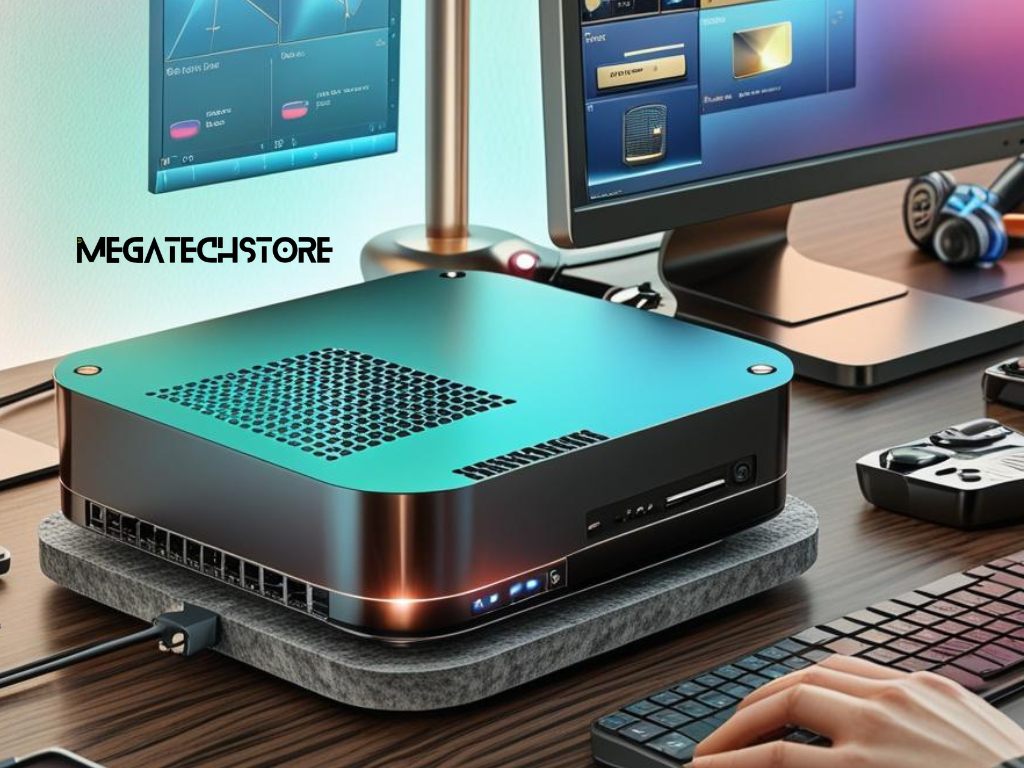
Before buying any mini PC, start with the work you need it to do. This is better than choosing based only on price, appearance, or model popularity.
A cheaper system may be enough for simple tasks. A higher-spec system may be worth it if you need smoother multitasking, better graphics, more ports, or longer useful life. The goal is to choose a computer that fits your real daily use.
CPU, RAM, and Storage
The CPU affects how fast the computer feels during daily tasks. For basic browsing, emails, and documents, an entry-level processor may be enough. For heavier multitasking, creative work, or light gaming, a stronger AMD Ryzen or Intel Core processor may be more suitable.
RAM helps the computer handle multiple apps at once. For light use, 8GB may be acceptable, but many modern users will feel more comfortable with 16GB. For creative work, development, heavier multitasking, or business use, 32GB may be worth considering.
Storage also matters. A 256GB SSD may fill quickly if you install many apps or store large files. A 512GB or 1TB SSD can give more breathing room, especially for business users, students, and creators.
Ports, Display Support, and Wireless Features
Ports are easy to overlook, but they can affect how useful the computer is in your setup. A powerful computer can still be frustrating if it cannot connect to your monitor, accessories, or network properly.
Before buying, check whether the mini PC supports your monitor through HDMI, DisplayPort, or USB-C. Also check whether it has enough USB ports for your keyboard, mouse, webcam, external drive, printer, or other accessories.
Ethernet may be important if you need stable wired internet. Wi-Fi and Bluetooth are also useful for wireless accessories and flexible placement. If you use two or more monitors, make sure the model supports your display setup before ordering.
Some users may also need USB4, fast networking, or support for specific display resolutions. If you are unsure, confirm compatibility with the supplier before buying.
Choosing the Right Minisforum Model for Your Needs
The best mini PC is not always the most expensive one. It is the one that suits your workload, budget, workspace, and future needs.
This is where many buyers get stuck. Specs can look similar at first, but small differences can affect speed, upgrade options, display support, and long-term value. A little planning before buying can help you avoid choosing the wrong model.
Match the Device to Your Workload
For basic home use, you may only need a simple model for browsing, email, streaming, and documents. This type of setup can be ideal for general household tasks or light office work.
For office users, it is worth looking for enough RAM, reliable storage, strong wireless support, and the right ports for monitors, printers, and accessories. A business user may also need a model that is easy to replace or reorder later.
For light gaming, check the graphics capability carefully. Some mini PCs can handle esports titles and older games well, but they may not replace a full gaming desktop with a dedicated graphics card.
For creative tasks, such as photo editing, light video editing, or design work, focus on processor performance, RAM, SSD size, cooling, and display support. These details can make a noticeable difference in day-to-day performance.
Avoid Paying for Power You Will Not Use
It is easy to overbuy when comparing computers. A high-end mini PC may look appealing, but it may not be necessary for everyday office work.
At the same time, buying too low can create problems later. If the device feels slow after a few months, the cheaper option may not feel like good value.
A practical approach is to think about your daily apps, how many browser tabs you usually keep open, whether you need one monitor or two, and whether you will store files locally or mostly use cloud storage. You should also consider whether you need gaming performance, creative performance, or upgrade flexibility.
This helps you choose a computer that fits your real use, not just the lowest price.
Buying from a Local Supplier in Australia
Buying a mini PC is not only about the device. The supplier also matters.
For Australian buyers, local support can make a real difference if you have questions about setup, warranty, returns, compatibility, or accessories. This is especially important for business users who cannot afford long delays if something goes wrong.
Why Local Warranty and Support Matter
When comparing a mini PC from overseas with one from an Australian supplier, look at the full buying experience. Price is important, but it should not be the only factor.
Check the warranty terms, return process, shipping time, local stock availability, support options, Australian power compatibility, and upgrade advice before ordering. These details can affect how easy the product is to use and maintain after purchase.
A lower upfront price may not be better if support is difficult or returns are complicated.
Where Mega Tech May Help
Mega Tech can be relevant for buyers who want a local tech store experience when comparing Minisforum, accessories, and other compact computing options.
This may be useful if you are comparing a minisforum pc with a pre build pc, checking whether a mini PC suits your monitor setup, or asking which model is better for work, gaming, or home use.
For Sydney or Western Sydney buyers, local support may also be helpful when you want clearer advice before purchasing. If you need specific stock, warranty, delivery, or accessory details, confirm them directly with the supplier before ordering.
When to Ask for Help Before Choosing
You do not need expert advice for every purchase. But it can save time if your setup is more specific.
A mini PC may look simple, but the right choice depends on your workload, monitor needs, accessories, software, and future plans. If you are unsure about any of these details, it is better to ask questions before buying.
Signs You Need Expert Advice
You should contact the company or supplier before buying if you are not sure which processor is right for your workload. You should also ask for help if you need two or more monitors, want to use the PC for gaming, or need a business setup with multiple devices.
Advice can also be useful if you are replacing an old tower PC, choosing between RAM and storage options, connecting special accessories, or comparing mini PCs with desktop builds from pc builders sydney.
It is better to ask before buying than to find out later that a device does not support your setup. This is especially important for business users, gamers, creators, and anyone who needs a reliable multi-screen workstation.
Questions to Ask Before Buying
Before placing an order, ask whether the model is currently in stock in Australia and what warranty applies. You should also ask whether the RAM or storage can be upgraded and whether the device supports your monitor resolution and refresh rate.
It is also worth checking whether the mini PC can run the software you use every day. If you plan to use it for light gaming, design, editing, or business software, explain your needs clearly so the supplier can guide you properly.
Finally, ask what accessories you may need and what happens if you need support after purchase. These questions can help you avoid mismatched products and unclear expectations.
Final Checklist Before You Buy
A mini PC can be a smart choice for many Australian users, but the best result comes from choosing carefully.
Do not buy only because a model is popular. Choose based on the tasks you need it to handle, the support you expect, and the setup you want to build. This will help you get better value and avoid common buying mistakes.
Practical Buying Checklist
Before buying a minisforum pc, review your main use case, processor needs, RAM size, SSD storage, port requirements, wireless features, monitor compatibility, upgrade options, warranty terms, local supplier support, delivery time, and return process.
This checklist is especially useful if you are comparing Minisforum with another mega computer option, a pre build pc, or a custom desktop. It helps you look beyond the product name and focus on what the computer can actually do for your needs.
A good mini PC should support the way you work, study, browse, create, or play. It should also connect properly with the equipment you already own.
Next Steps for Australian Buyers
Start by writing down what you need the computer to do. Then compare models based on those tasks.
For a simple home office, you may not need the highest-spec model. For gaming, creative work, or business use, it is worth checking performance and support more carefully.
A reliable tech store can help you compare options, confirm compatibility, and avoid buying more or less power than you need. That makes the buying process easier and helps you choose a mini PC that fits your space, budget, and daily work.Minisforum PC Buying Guide for Australians Work Gaming
