

A custom computer should match the work you plan to do.
It should not simply contain the newest processor or the most expensive graphics card. Every part should support the same performance goal.
People comparing pc builders Sydney may need systems for gaming, business, study or creative work. Some may also need a computer for streaming, software development or virtual machines.
Each workload needs a different balance of parts.
A gaming system may need more graphics power. A video-editing computer may need more memory, fast storage and strong processor performance.
The builder should explain these differences in plain language. You should also receive a clear list of the parts included in the quote.
This guide covers the main questions to ask before placing an order.
Start with the tasks rather than the parts.
A builder cannot recommend a suitable system without knowing how you plan to use it. A vague request for a “fast computer” leaves too much room for guesswork.
Explain the software, games and devices that matter to you.
Explain the Main Programs and Tasks
List the programs you use most often.
An office user may need web browsing, email, accounting software and video meetings. These tasks do not usually need a high-end graphics card.
Gaming creates different demands.
Name the games you play. Also state the resolution and frame rate you want. A system built for 1080p gaming may differ from one designed for a high-refresh 1440p or 4K monitor.
Creative users should name their editing or design software.
Video editing, animation and three-dimensional work may use the processor, graphics card and memory in different ways. Large project files may also require more fast storage.
Developers may run code tools, containers or virtual machines. These workloads can benefit from more processor cores and memory.
The builder should use this information to create a balanced system.
Set a Realistic Budget for the Complete Setup
State the maximum amount you can spend.
Be clear about what the budget must include. It may cover the computer only, or it may also include a monitor, keyboard and operating system.
Delivery and setup may add to the cost.
Future upgrades also deserve thought. Spending slightly more on a suitable motherboard, case or power supply may create an easier upgrade path.
However, every upgrade allowance should serve a real purpose.
Do not reduce the graphics card or memory budget simply to buy decorative lighting. Appearance can matter, but it should not weaken the system’s main function.
Ask the builder to explain where most of the budget will go.
A clear answer helps you judge whether the proposed parts match your priorities.
Ask for a Balanced Component List
A computer works as a complete system.
One high-end component cannot make up for poor choices elsewhere. The processor, graphics card, memory and storage should support one another.
Request the exact brand and model of each major part.
Match the Processor and Graphics Card to the Workload
The processor handles general system work and many software tasks.
The graphics card produces the images used by games and graphics-heavy programs. However, the balance between them depends on the workload.
A gaming PC may need a larger share of the budget placed into graphics.
A computer for software development or processor-based rendering may need more CPU cores instead.
Ask the builder why the proposed combination suits your software.
The explanation should go beyond saying that one part is “fast” or “high-end.” It should connect the hardware with the results you need.
Also ask about the monitor.
Its resolution and refresh rate affect the graphics power required. Buying more graphics performance than the display can use may not offer good value.
Review Memory, Storage and Motherboard Choices
Memory supports active programs and files.
Basic office systems may work with a modest amount. Gaming, editing and virtual machines often need more.
Ask how many memory modules the build uses.
Two suitable modules can provide dual-channel operation on common desktop platforms. Spare slots may also make future upgrades easier.
Storage needs depend on file size and program use.
A fast solid-state drive can improve startup and loading times. Creative users may need a larger drive for project files, while businesses may store more data on a server or cloud system.
The motherboard connects the main computer parts.
Check the number of memory slots, storage connections and expansion slots. Also review its USB, network and display connections.
When comparing computer parts Sydney retailers offer, focus on exact specifications rather than brand reputation alone.
Check Compatibility, Cooling and Power
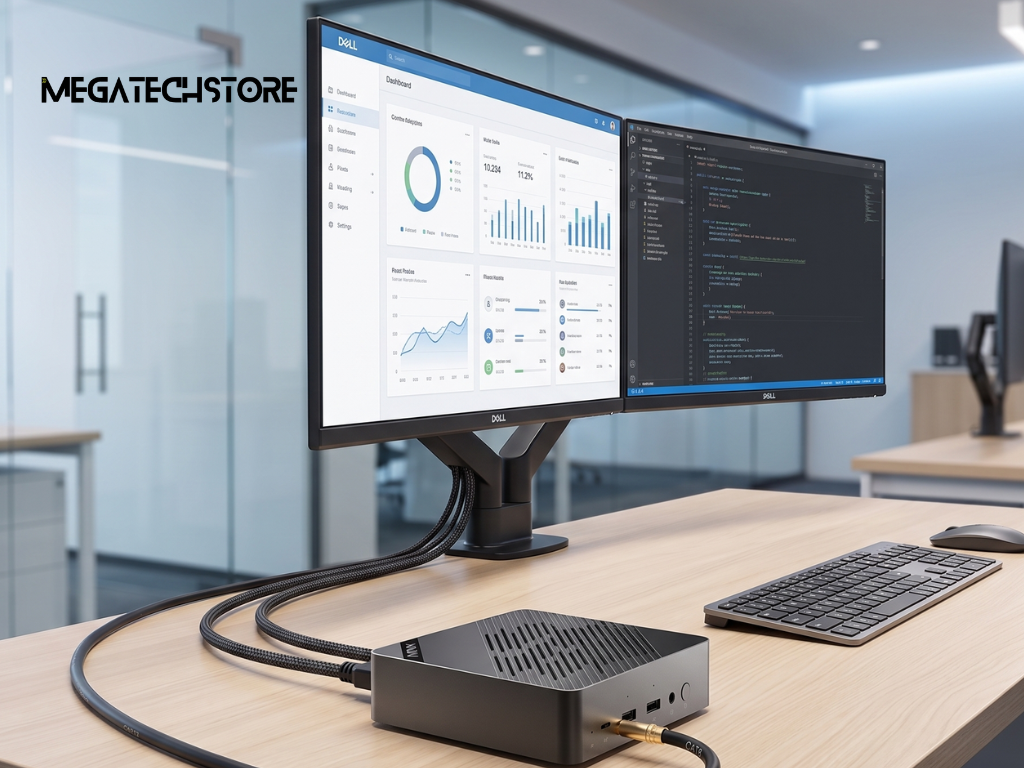
Parts must fit both physically and technically.
A component list may look powerful but still create problems if the case, motherboard or power supply cannot support it.
Ask the builder to confirm compatibility before payment.
Confirm That Every Part Works Together
The processor must match the motherboard socket and supported chipset.
Memory must use the correct type and supported speed. The case also needs enough room for the motherboard.
Graphics-card clearance matters because modern cards can be long and thick.
The card should fit without blocking important connections or restricting airflow. The case also needs enough room for its power cable.
Cooling equipment creates more measurements.
An air cooler needs enough height clearance. A liquid cooler needs a suitable radiator position and enough space around the motherboard and memory.
Ask whether the chosen parts leave practical room for future maintenance.
A system that only just fits together may become difficult to clean or upgrade.
Review the Power Supply and Airflow Plan
The power supply must support the complete system.
Its capacity should cover the processor, graphics card, drives, fans and other hardware. It should also provide the correct connectors.
More wattage is not always better.
A suitable model from a reputable manufacturer matters more than an oversized unit with unclear quality. Ask for the full brand, model and efficiency rating.
Airflow helps remove heat from the case.
The builder should explain where fans will draw cool air in and push warm air out. Cables should not block major airflow paths.
Compact cases may need more careful planning.
A mega computer with powerful hardware can create substantial heat. The cooling system should suit long gaming or work sessions, not just short tests.
Compare Custom, Prebuilt and Mini PC Options
A full custom desktop is not the only choice.
Some users may gain more value from a ready-made system or compact computer. The right format depends on space, performance and upgrade needs.
A good builder should explain these options honestly.
Understand What a Custom Build Provides
A custom computer gives you control over the main components.
You can select a suitable processor, graphics card, memory and storage. You can also choose the case, cooling and appearance.
This approach can support future upgrades.
A larger case may provide more room for drives or a longer graphics card. A suitable motherboard may offer extra memory and storage slots.
Custom assembly can also remove parts you do not need.
For example, a business system may not require gaming lighting. A gaming build may not need specialist network hardware.
The value comes from matching the specification to the user.
Know When Another Computer Type May Suit Better
A pre build PC can suit buyers who want a ready-to-use system.
It may offer simple purchasing and one complete product warranty. However, buyers should still check the exact power supply, motherboard and cooling parts.
Some prebuilt systems use proprietary components.
A mini pc may suit offices, media centres and small desks.
Compact systems use less space and can provide strong everyday performance. However, many offer fewer graphics and upgrade options than a standard desktop.
Your choice should reflect daily use, available space and future plans.
Ask About Assembly, Testing and Software
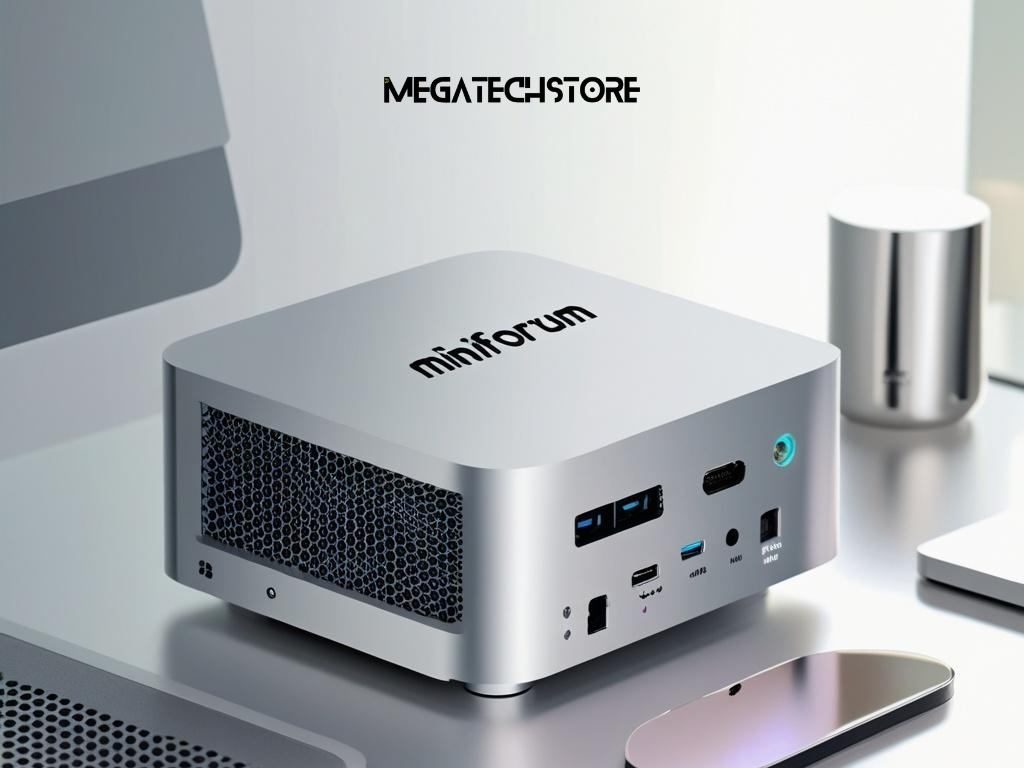
Good assembly involves more than connecting the parts.
The builder should check that the computer starts correctly and remains stable under load.
Ask what happens before the system leaves the workshop.
Find Out How the Finished System Is Tested
The builder should inspect every connection.
Memory, storage and power cables should sit correctly. Fans should spin freely, and cables should not touch moving parts.
Testing should also cover system stability.
A memory check can help identify errors. Processor and graphics tests can show whether the cooling system handles sustained demand.
Ask whether the builder records temperatures.
High temperatures may point to poor cooler contact, weak airflow or unsuitable fan settings.
Testing should reflect the intended workload.
A gaming system should run graphics-heavy tests. A workstation may need longer processor and memory checks.
Confirm What Software and Setup Are Included
Ask whether the quoted system includes an operating system.
Confirm the edition and licence status. A low quote may not include a Windows licence.
The builder should install the correct drivers.
These may include motherboard, graphics, network and audio drivers. The system should also receive important operating system updates.
Ask whether the computer includes trial software.
Unwanted programs can slow startup and create unnecessary notifications. A clean setup is often easier to manage.
Business buyers may need extra software or security settings.
Discuss these needs before ordering. Do not assume the builder includes data transfer, account setup or software installation.
Know When to Contact the PC Builder
Online part lists can help with early research.
However, they may not answer questions about specialised software or future upgrades. Speak with a builder when the correct balance remains unclear.
Early advice can prevent an expensive mismatch.
Ask for Advice When Specifications Are Unclear
Contact a builder when you use specialist software.
Some applications prefer certain processors or graphics features. Others need a large amount of memory or fast storage.
Multi-monitor setups also need review.
Tell the builder how many displays you use. Include their resolution, refresh rate and connection type.
Streaming can add more demand to a gaming computer.
The system may need enough processor or graphics capacity to run the game and encode video at the same time.
Small business buyers may need quiet operation, wired networking or several identical systems.
A local tech store can review these requirements before preparing a quote.
Provide Useful Details for an Accurate Recommendation
Share your main workload first.
List the programs, games and connected devices. Add the monitor details and target performance.
Provide a clear budget.
Also explain whether the amount includes Windows, a monitor or other accessories.
State your storage needs.
Mention large files, game libraries or plans to add more drives later.
Explain your upgrade plans too.
You may want a stronger graphics card in two years. In that case, the case and power supply should leave enough room.
Mega Tech Store may be able to assist with a custom system or component recommendation. Customers should confirm its current PC-building services, available brands and workshop support before ordering.
Compare Builders and Approve the Final Specification
Do not choose a builder by total price alone.
A cheaper quote may contain a lower-grade power supply, smaller storage drive or less capable motherboard. Another quote may include testing and local support.
Compare each system line by line.
Look Beyond the Lowest Quoted Price
Request exact part numbers.
A quote that says only “16GB RAM” or “750W power supply” does not give enough detail. Brand, model, speed and warranty may affect value.
Ask how substitutions work.
The builder should not replace an unavailable part without your approval. Any replacement should offer equal or better suitability.
Review the warranty process.
Find out whether the seller diagnoses the complete computer or requires you to contact each parts manufacturer.
Australian consumer guarantees apply automatically when businesses sell goods and services. These rights operate separately from voluntary warranties and cannot be removed by store terms. Depending on the problem, the consumer may have rights to a repair, replacement or refund.
Local support can make fault diagnosis easier, especially when the cause is unclear.
Check the Full Written Order Before Payment
Review the complete specification.
Confirm the processor, graphics card, motherboard and memory. Check the storage, power supply, cooling and case as well.
Make sure the quotation identifies every service.
This may include assembly, testing, Windows installation, delivery and data transfer.
Check the expected completion date.
Also review the deposit, cancellation and change conditions.
Keep a copy of the approved order.
Customers comparing pc builders Sydney can provide Mega Tech Store with their workload, budget and monitor details. A detailed brief gives the store a clearer basis for recommending suitable computer parts or a complete build.
Useful internal links can connect this article with computer parts, gaming PCs, prebuilt PCs, mini PCs, graphics cards, processors, memory, storage and technical support pages.
