

A slow PC does not always need to be replaced. Sometimes a new SSD, extra RAM or a better graphics card can solve the problem. In other cases, several old components may limit what you can upgrade.
The right choice depends on more than the age of the computer. You also need to consider compatibility, performance, software requirements and the total upgrade cost.
This question is even more relevant in 2026. Microsoft ended standard support for Windows 10 on 14 October 2025. Older computers that cannot meet Windows 11 requirements may therefore need a larger upgrade or replacement.
For Sydney buyers, the aim should be simple. Find out what is causing the problem first. Then compare the cost of fixing it with the cost of starting again.
Identify Whether the Problem Comes From One Component
A computer can feel slow for many reasons. The solution depends on what you are actually doing when the slowdown occurs.
A long startup time may point towards slow storage. Heavy multitasking may expose limited RAM. Poor gaming performance can involve the graphics card, processor or both.
Before buying computer parts, check how you use the PC each day. Think about which tasks have become frustrating.
For example, does the computer only struggle when several programs are open? Does gaming performance fall when you increase graphics settings? Does the system take a long time to start or open large files?
These details give you a better starting point than simply deciding the whole computer is old.
It is also worth checking whether software issues are contributing. A full storage drive, unwanted background programs or an outdated operating system can affect everyday performance.
A hardware upgrade makes more sense once you know which part needs improvement.
Look at the Age of the Main Platform
The processor and motherboard form the foundation of a desktop PC.
An older motherboard may limit which processors, memory types and storage devices you can install. This means a simple CPU upgrade can sometimes become a much larger project.
For example, a newer processor may require a different motherboard. That motherboard may then require a different generation of RAM.
At that point, you are no longer replacing just one part.
Windows compatibility also deserves attention. Microsoft recommends moving supported Windows 10 computers to Windows 11. If the machine does not meet Windows 11 requirements, Microsoft suggests considering its Extended Security Updates option or replacing the device.
That does not mean every older PC needs immediate replacement. However, operating system support should form part of your long-term decision.
Decide Which computer parts Are Worth Upgrading
Memory and storage are often easier to assess than a complete platform change.
If your computer regularly runs out of available memory, adding compatible RAM may improve multitasking. This can matter when you keep many browser tabs and programs open.
Storage can also affect everyday usability.
A computer still using an older mechanical hard drive may feel much slower than a system using an SSD. An SSD can improve startup and file-loading times without changing the processor.
However, do not order parts before checking compatibility.
Look at the motherboard model and current memory configuration. Check which RAM type it accepts and whether free memory slots remain.
The same applies to storage. Confirm which SSD formats and interfaces the motherboard supports.
People searching for computer parts sydney or sydney computer parts may find many choices. The important step is matching the part to the exact PC rather than choosing by price alone.
A Graphics Card Upgrade Needs a Wider Compatibility Check
A new graphics card can make sense for gaming or graphics-heavy applications.
However, it affects more than one component.
First, check whether the processor is strong enough for the performance level you want. A major GPU upgrade may deliver less benefit if the CPU creates a serious limitation.
Next, check the power supply.
A graphics card may need more power than the existing unit can safely provide. It may also need power connectors that an older supply does not have.
Physical size matters too.
Modern graphics cards can be long and thick. Make sure there is enough room inside the case before buying.
Cooling should also enter the decision. A more powerful graphics card can add more heat inside the case.
This is why a GPU upgrade should be treated as a system decision rather than a single-part purchase.
Check the Power Supply, Cooling and Case Before Spending More
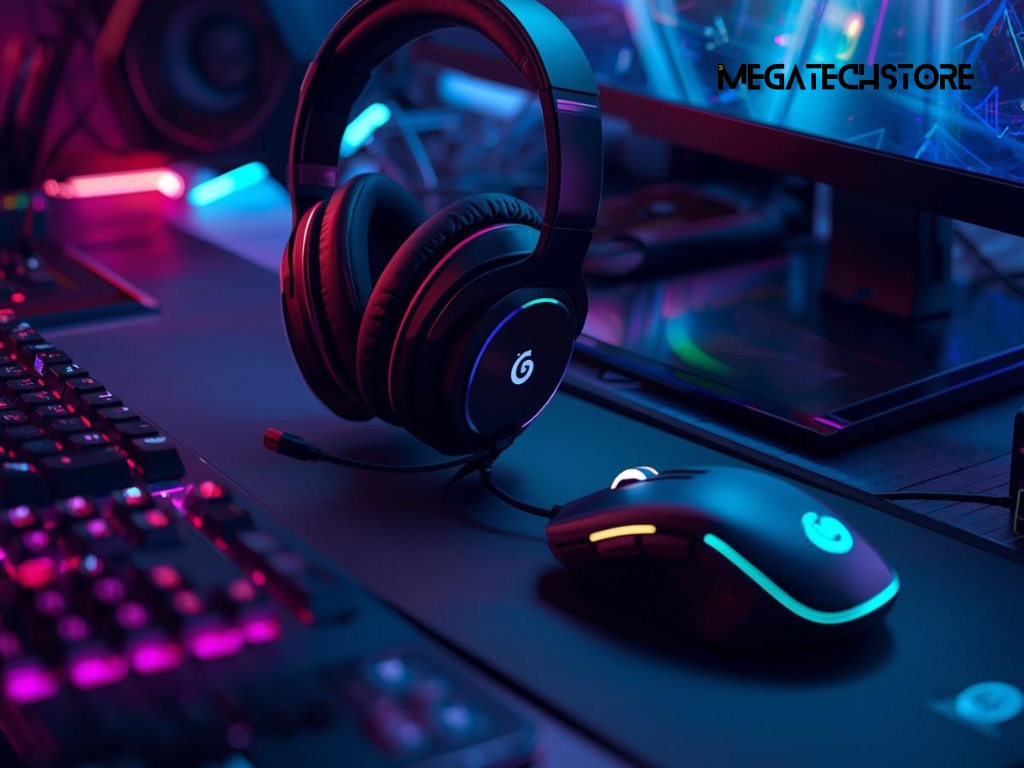
New Hardware Can Create New Power and Cooling Needs
It is easy to focus on the CPU and graphics card because they attract the most attention.
The power supply is just as important.
An older unit may not provide enough capacity for new hardware. Its available connectors may also limit what you can install.
Do not choose a replacement power supply based only on its wattage. Quality, connector support and the requirements of your complete system also matter.
Cooling is another area to check.
A faster processor may need a better CPU cooler. A more powerful graphics card can raise temperatures inside the case.
Good airflow helps the system manage that extra heat.
If several cooling changes are needed, include them in the upgrade budget. Otherwise, the upgrade can look cheaper than it really is.
Check Whether the New Parts Will Fit
Compatibility is not only electronic. Components also need to fit physically.
A large graphics card may interfere with drive cages or front cooling fans. A tall CPU cooler may not fit beneath the side panel.
Motherboards also come in different sizes.
If you plan to replace the motherboard, confirm that the case supports the new form factor.
These details become especially important with older pre-built desktops. Some systems use cases, power connections or internal layouts that make standard upgrades harder.
Measure before ordering.
This simple step can save you from buying computer parts that cannot be installed in the existing machine.
Know When Building a New PC Makes More Sense
An upgrade is attractive when one or two parts solve the problem.
The situation changes when the CPU, motherboard, RAM and power supply all need replacement.
Add a new graphics card, storage or cooling system and you may be replacing most of the computer.
At that point, compare the full upgrade price with a complete new build.
A newer platform may give you more room for future upgrades. It can also remove compatibility compromises created by trying to keep old components.
This does not mean a new build is always cheaper.
The goal is to compare like with like.
Work out the cost of every part needed for the upgrade. Then compare that figure with a new system that provides the performance you actually require.
If the difference is small, replacing the old platform may offer better long-term value.
Consider Software and Windows Support
Software can also influence the decision.
Some older systems still perform well for basic tasks. However, newer applications may need features that the old hardware does not support.
Windows is a clear example.
Windows 10 reached the end of standard support on 14 October 2025. Microsoft says Windows 10 PCs continue to operate, but standard security updates and technical support have ended. Eligible users can consider Windows 11 or other supported options.
If your computer supports Windows 11 and still meets your performance needs, upgrading selected components may remain sensible.
If it cannot support the operating system you need and several parts are already dated, a fresh build becomes easier to justify.
The decision should therefore combine hardware condition with software support.
Compare a Custom Build, pre build pc and mini pc
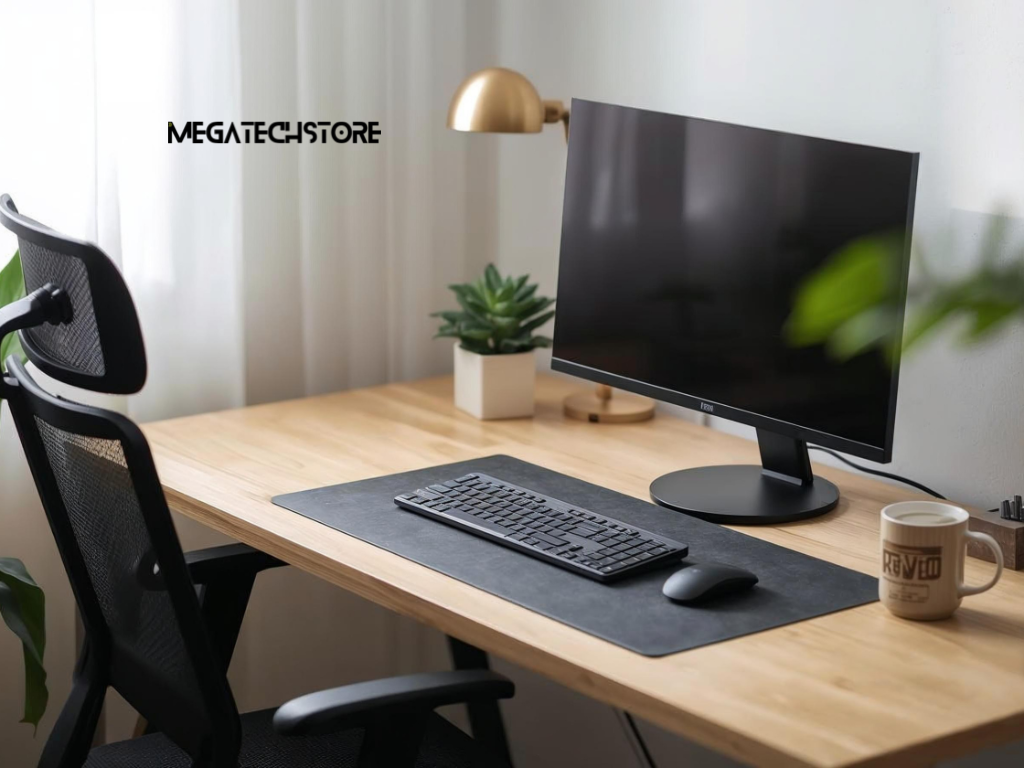
Choose the Format Around Your Workload
Replacing a desktop does not automatically mean buying another large tower.
Different computer formats suit different users.
A custom desktop makes sense when you want specific components, strong upgrade options or dedicated graphics. This can suit gaming, demanding creative work and specialised applications.
A pre build pc can be easier for someone who wants a complete system without selecting every component.
A mini pc takes a different approach. It can suit office work, study, media use and compact desks where space matters.
Mega Tech Store currently lists mini PCs, pre-built computers and PC components among its Sydney-based product range. It also states that customers can build or customise PCs through its available options.
The best format depends on what you need the computer to do.
A small office computer does not need the same design as a gaming tower. Likewise, someone who wants frequent GPU upgrades may find a larger desktop more practical than a compact system.
Decide How Much Upgrade Flexibility You Need
Think about how long you expect to keep the computer.
If you regularly replace graphics cards or add storage, internal space and motherboard expansion options may matter.
If you mainly browse, use office software and attend video meetings, frequent upgrades may be less important.
This is where a mini pc can make sense for some buyers.
A compact system can reduce desk clutter. However, internal upgrade options are often different from those of a full-size custom desktop.
A pre build pc can sit between these choices, depending on its design.
Instead of asking which format is best overall, ask which format matches your future plans.
A person searching for a mega computer may actually be looking for a larger or more powerful setup. The useful question is still the same: what tasks must the system handle?
Once that is clear, choosing the format becomes much easier.
Decide Whether You Need pc builders Sydney or a Simple Upgrade
Before contacting pc builders Sydney, work out what you already know about the current machine.
Start with the processor and motherboard. Then check RAM, storage, graphics and power supply.
You do not need to become a hardware expert.
The purpose is to understand whether the problem involves one part or the whole platform.
Imagine that gaming performance is the only concern. If the CPU is still capable, the power supply is suitable and the case has space, a graphics upgrade may be enough.
Now consider a different PC.
The CPU is old, the motherboard cannot support a worthwhile upgrade, the system uses limited memory and the power supply also needs replacing.
In that situation, buying several separate components may make less sense.
A PC builder can compare both paths using the complete parts list rather than guessing from the computer’s age.
Choose a Supplier That Can Explain Compatibility Clearly
When comparing a tech store or PC builder, look for clear information.
A useful supplier should be able to explain why a particular part suits your existing system. They should also be able to identify when upgrading does not make financial sense.
Ask about the exact component models rather than accepting vague descriptions such as “gaming RAM” or “high-performance SSD”.
Warranty arrangements also deserve attention.
Mega Tech Store states that it is based in Sydney and offers mini PCs, pre-built systems, custom PC options and PC computer parts. Its website also provides warranty and support information.
For someone comparing an upgrade with a new system, that type of range can make it easier to discuss both options.
However, the recommendation should still depend on your requirements. A supplier’s product range is not a reason by itself to replace a computer that only needs a simple repair or upgrade.
Contact a PC Builder When Several Decisions Depend on Each Other
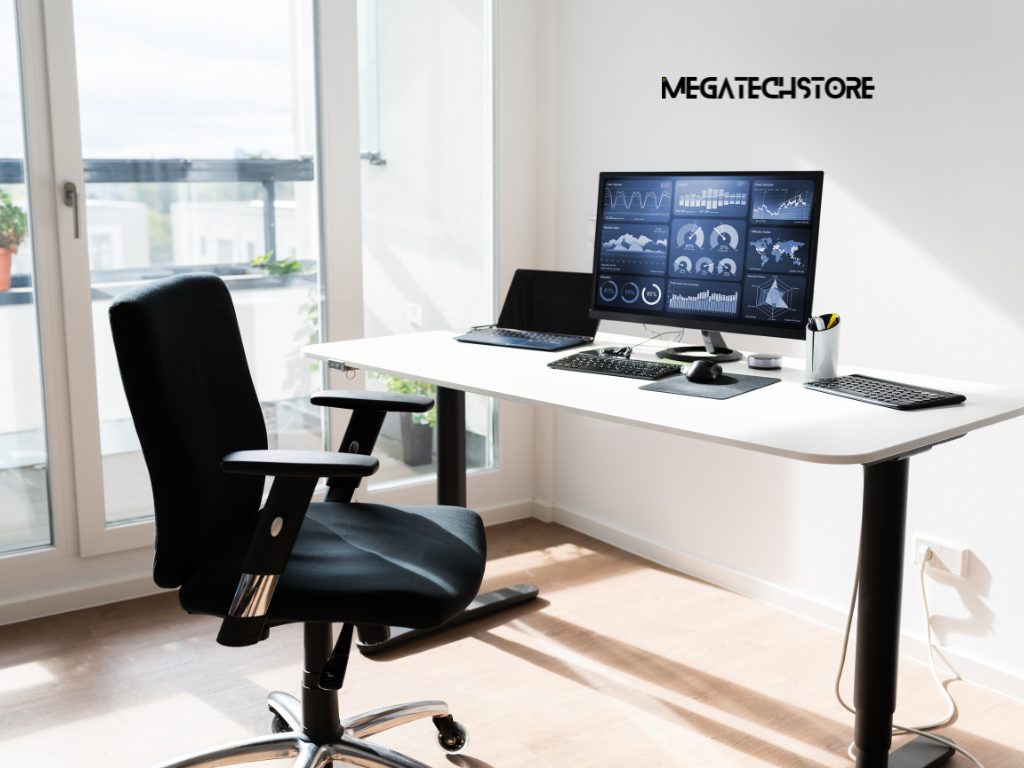
Bring Your Current Specifications With You
Professional advice becomes more useful when you can provide accurate information.
Before contacting a PC builder, find the model of your CPU and motherboard. Note the amount and type of RAM if possible.
Record your graphics card and storage drives.
You should also identify the power supply model and wattage when it is safe and practical to do so.
Then explain what you want to improve.
For example, tell the supplier whether you want better gaming performance, faster creative work or smoother everyday multitasking.
Your monitor matters too. A gaming upgrade should take the display resolution and refresh rate into account.
This information helps the builder compare an upgrade with a complete replacement.
If you contact Mega Tech Store, its current site offers computer parts, mini PCs, pre-built systems and customisation options from its Sydney operation. That makes it relevant when you need to compare different system paths rather than a single component.
