

Buying computer parts Sydney can be straightforward when you know exactly what needs to work together. The problem is that components that look compatible on paper may still have limits involving CPU sockets, memory generations, BIOS support, physical dimensions, power requirements or cooling clearance.
Checking compatibility before ordering saves time and reduces the risk of buying parts that cannot be used together. Whether you are upgrading an existing desktop, planning a new build or comparing PC builders Sydney, it helps to work through the system one component at a time.
This guide explains the main compatibility checks to make before buying computer parts, from the motherboard and RAM through to graphics cards, power supplies, storage and networking.
How Computer Parts Sydney Buyers Can Check CPU Support
The motherboard is usually the best place to start when checking computer parts Sydney compatibility because it determines which processors, memory and expansion options you can use.
The first check is the CPU socket. An Intel or AMD processor must physically match the socket used by the motherboard, but matching the socket alone may not always be enough.
For example, Intel Core Ultra desktop processors in Series 2 use the LGA1851 socket and are not compatible with older LGA1700 motherboards. Intel also pairs these processors with its newer 800 Series desktop chipsets.
AMD’s current AM5 platform supports Ryzen 7000, 8000 and 9000 Series processors across AM5 motherboards, although AMD notes that some 600-series boards may require a BIOS update for newer processors.
That is why the safest approach is to check the motherboard manufacturer’s CPU support list for the exact processor model rather than assuming that every processor using the same general platform will work automatically.
Matching Computer Parts Sydney With Motherboard Features
Once the processor is confirmed, computer parts Sydney buyers should check what else the motherboard supports.
Look at the number and type of memory slots, M.2 storage connections, PCIe expansion slots, SATA ports, USB connections, networking and any wireless features you need.
The motherboard’s form factor also matters. Common sizes such as ATX, microATX and Mini-ITX require a case designed to accommodate them.
If you are upgrading instead of building from scratch, check whether the existing case, power supply and cooling system will work with the new motherboard.
This is particularly important when buying individual Sydney computer parts because a motherboard can be technically compatible with the processor while still being unsuitable for the rest of your existing system.
Make Sure the RAM Is Compatible
Checking DDR Generation When Buying Computer Parts Sydney
Memory compatibility is another important step when selecting computer parts Sydney.
DDR4 and DDR5 RAM are different technologies and are not interchangeable. A motherboard designed specifically for DDR5 cannot normally use DDR4 modules, even if the capacity appears suitable.
Some processor generations can support more than one memory generation, but the motherboard determines which type can actually be installed. For example, Intel’s 12th, 13th and 14th generation desktop processors can support DDR4 or DDR5, depending on the motherboard used.
AMD’s AM5 desktop platform uses DDR5 memory.
When shopping for computer parts, confirm the memory type shown in the motherboard specifications before choosing a RAM kit.
How Computer Parts Sydney Buyers Can Check RAM Limits
Computer parts Sydney buyers should also look beyond the DDR generation.
Check the motherboard’s maximum supported memory capacity, number of DIMM slots and supported memory speeds. If you intend to use higher-speed memory profiles, confirm whether the motherboard and processor support the configuration you are considering.
It is usually preferable to purchase matched memory kits rather than combining unrelated modules with different capacities, timings or specifications.
Physical clearance can occasionally matter as well. Tall RAM heat spreaders may interfere with larger CPU air coolers in some cases.
For compact builds and mini PC parts, memory may use smaller SO-DIMM or soldered configurations rather than standard desktop DIMMs. Compact systems can therefore have much more limited upgrade options.
Check GPU Size Before You Buy
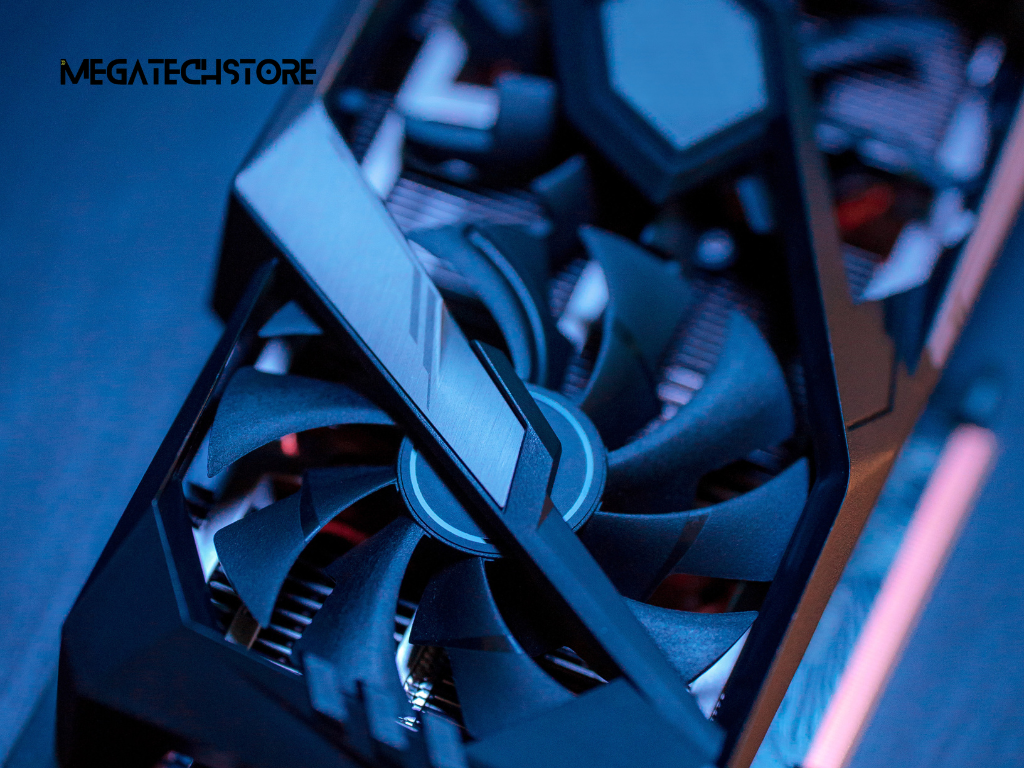
Measuring GPU Clearance for Computer Parts Sydney Builds
A graphics card can use the correct PCIe connection and still be too large for the case.
Before buying a GPU as part of a computer parts Sydney upgrade, check the card’s length, height and thickness against the case manufacturer’s specifications.
Modern graphics cards can occupy several expansion slots, and some models extend well beyond the length of the motherboard. Front-mounted radiators, drive cages or fans can further reduce the available space.
Do not rely only on general descriptions such as “mid-tower compatible.” Compare the GPU’s exact dimensions with the maximum GPU dimensions listed for the case.
This is particularly important for higher-performance builds where larger cooling systems are common.
Why Computer Parts Sydney Buyers Should Check Case Space
Computer parts Sydney compatibility also involves what surrounds the graphics card.
A card may technically fit inside the case but have very little clearance for airflow or power cables. Some modern GPUs use power connectors that require additional room between the card and the case side panel.
Check whether installing a large card blocks other PCIe slots or storage positions you intend to use.
Mini-ITX and other compact cases need even more careful planning because a few millimetres can determine whether a graphics card, radiator or power cable fits correctly.
If you are unsure, checking the manufacturer’s case and GPU dimensions before placing the order is safer than estimating from product photographs.
Match the Power Supply to the System
Calculating PSU Requirements for Computer Parts Sydney
The power supply needs to support the combined requirements of the computer rather than one individual component.
When planning computer parts Sydney, begin with the recommended power supply for your chosen graphics card and then consider the processor, storage devices, cooling system, fans and other installed hardware.
Wattage is only part of the decision. Power supply quality, efficiency, available connectors and the ability to support short periods of higher load also matter.
Avoid selecting the smallest PSU that appears capable of running the computer. Some additional headroom can be useful for sustained loads and future upgrades.
At the same time, there is generally no need to purchase a dramatically oversized unit simply because it has a higher wattage number.
Checking Power Connectors Before Buying Computer Parts Sydney
Before ordering computer parts Sydney, check that the power supply has the exact connectors required by the motherboard and graphics card.
The motherboard typically requires a main power connector and dedicated CPU power connection. Graphics cards can use different PCIe power arrangements depending on the model.
Modular power supplies make cable management easier, but cables from different PSU models or manufacturers should not be treated as interchangeable unless the manufacturer specifically confirms compatibility.
Also check the physical PSU format. Most desktop cases use standard ATX power supplies, while smaller systems may require SFX or another compact format.
For a pre build PC upgrade, confirm whether the existing system uses standard power connectors before assuming an off-the-shelf replacement PSU will fit and connect correctly.
Confirm Case and Cooling Compatibility
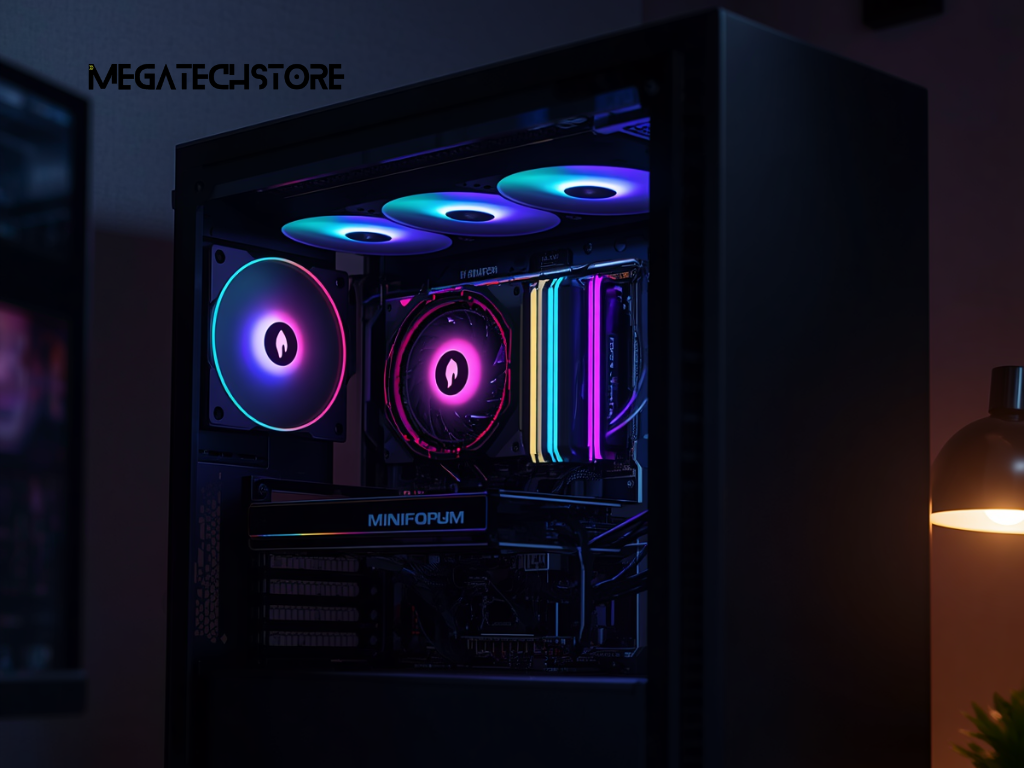
How Computer Parts Sydney Buyers Can Check Cooler Clearance
Cooling is another area where computer parts Sydney buyers can run into compatibility problems.
For air cooling, check the CPU socket support, cooler height and clearance around the memory modules. A tower cooler that is too tall may prevent the side panel from closing.
For liquid cooling, confirm the radiator sizes supported by the case and where those radiators can be mounted.
Socket compatibility also deserves attention. Intel notes that LGA1700 and LGA1851 use mechanically compatible mounting-hole positions for cooling solutions, but recommends confirming thermal compatibility with the cooler manufacturer rather than assuming every older cooler is suitable for every new processor.
The same principle applies across platforms: check the cooler manufacturer’s supported socket list before buying.
Planning Airflow for Computer Parts Sydney Builds
Good component compatibility should also include airflow.
A case may physically accommodate all your computer parts Sydney selections while still providing limited ventilation around high-power components.
Check where the case can accept intake and exhaust fans and whether a graphics card, radiator or large CPU cooler will restrict airflow.
Front-to-back airflow is common in desktop systems, but the ideal configuration depends on the case design.
If you are building a higher-performance gaming or workstation PC, cooling should be planned at the same time as the CPU and GPU rather than being treated as an afterthought.
This is one reason a larger case can sometimes be easier to work with than a very compact system, even when both technically support the same core components.
Check Storage and Network Connections
Matching SSD Interfaces When Buying Computer Parts Sydney
Storage compatibility is about both the physical connection and the interface supported by the motherboard.
When buying computer parts Sydney, determine whether you need SATA drives, M.2 NVMe SSDs or a combination of both.
Not every M.2 slot necessarily operates in exactly the same way. Check the motherboard manual for supported SSD sizes, interface type and PCIe generation.
Some motherboards also share bandwidth between particular M.2 slots, SATA connections or PCIe expansion slots. Installing an SSD in one location may therefore affect another connection.
For most buyers, the important point is not simply whether an SSD fits. It is whether the motherboard supports that drive in the intended slot without disabling another device you plan to use.
When Computer Parts Sydney Buyers Should Check Ethernet
Networking can also be part of a compatibility check, especially for people moving large files, using NAS storage or building a workstation.
A motherboard may include 1GbE, 2.5GbE, 5GbE or faster Ethernet depending on the model. To benefit from faster speeds, the switch, router or connected storage device also needs compatible networking.
Someone searching to buy Cat8 Ethernet cable should first confirm whether their equipment actually needs it. A more expensive cable standard will not make a 1GbE or 2.5GbE network port operate faster than its rated speed.
For many home and office installations, choosing the correct cable for the actual network standard is more useful than automatically buying the highest category available.
This is where a knowledgeable tech store can help clarify which supporting computer parts are relevant to the system rather than simply selling the highest specification.
Review the Full Build Before Ordering
A Final Computer Parts Sydney Compatibility Check
Before paying for computer parts Sydney, review the complete system as one build.
Confirm that the CPU is supported by the motherboard and BIOS, that the RAM is the correct generation, and that the case fits the motherboard, graphics card, power supply and cooler.
Then check storage connections, PSU wattage and connectors, fan and radiator mounting positions and any networking requirements.
For upgrades, include the hardware already inside the computer in this review. An existing case, power supply or cooler may become the limiting component when a newer GPU or processor is installed.
This final check is particularly useful when parts have been chosen at different times or sourced from different retailers.
Compatibility information should always be confirmed against the manufacturers’ specifications for the exact model numbers you intend to buy.
When to Ask PC Builders Sydney for Compatibility Advice
If you are unsure about a component combination, asking an experienced retailer or PC builders Sydney before ordering can help identify conflicts that may be easy to miss.
Mega Tech Store can be considered when comparing computer parts, upgrade components and complete PC configurations in Sydney. When requesting help, provide the exact model numbers of your existing motherboard, processor, RAM, case, power supply and graphics card wherever possible.
That makes it easier to determine whether a proposed upgrade will fit physically, receive sufficient power and work with the rest of the system.
The same approach applies whether you are researching a new build, replacing individual components or comparing a mega computer configuration with a custom system.
Good compatibility planning is less about buying the newest parts and more about making sure every component works together. Checking the full build before ordering can help you spend your budget on hardware you can actually use.
